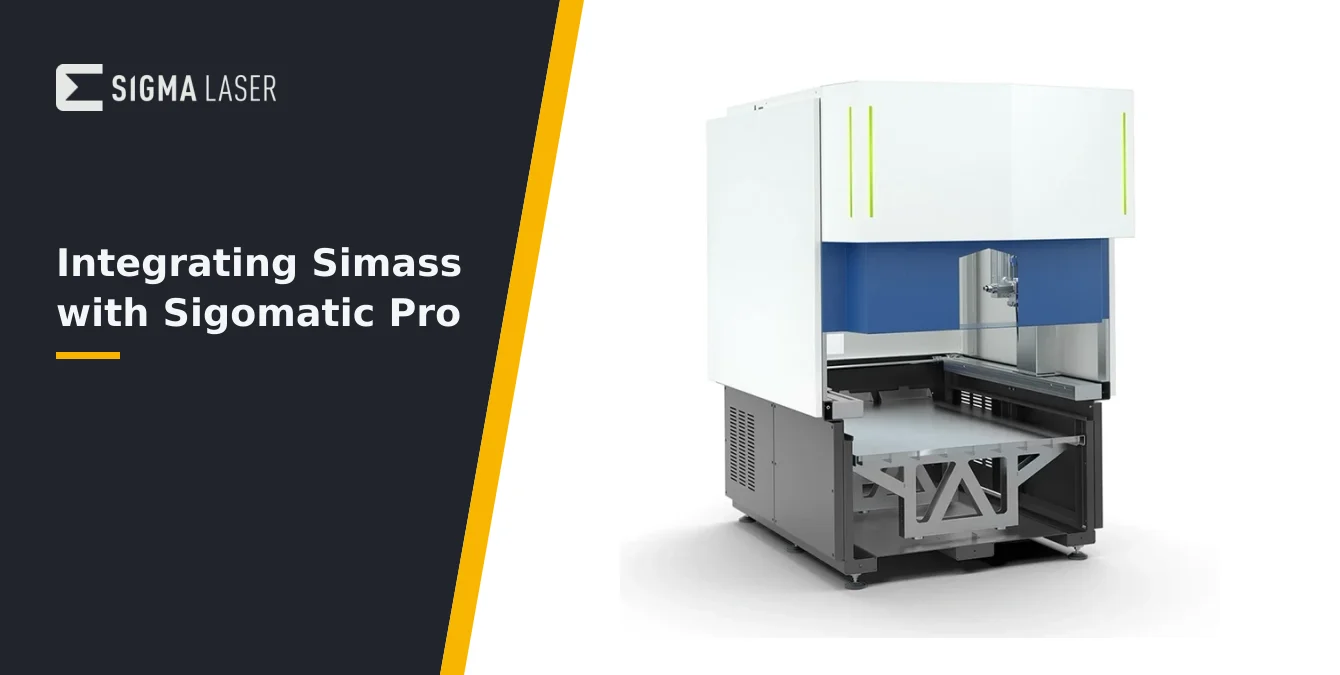
- Two Halves of an Automatic Cell
- Defining the Cell in Software
- Live Feedback During Cycles
- From Manual Recipe to Automated Cycle
- Commissioning Discipline
- Frequently Asked Questions
- What is the main benefit of integrating Simass with Sigomatic Pro?
- How are Simass modules recognized in Sigomatic Pro?
- Why is staged automation recommended when migrating manual programs?
- What safety measures should be followed during commissioning?
- Related Articles
Quick Answer: Integrating Simass with Sigomatic Pro unites modular NC-axis automation and advanced PC-based control, enabling operators to define, monitor, and automate complex welding cycles for series production. This guide details the integration workflow, from cell setup and software configuration to live process feedback and disciplined commissioning.
| Module | Function |
|---|---|
| Rotate | Enables rotary axis for part orientation and manipulation |
| Slide | Provides linear slide axis for handling large parts and flexible part feeding |
| Powder | Automated powder application for repair welding |
Modules are interchangeable and adapt the cell to various workpiece geometries and production needs.
Two Halves of an Automatic Cell
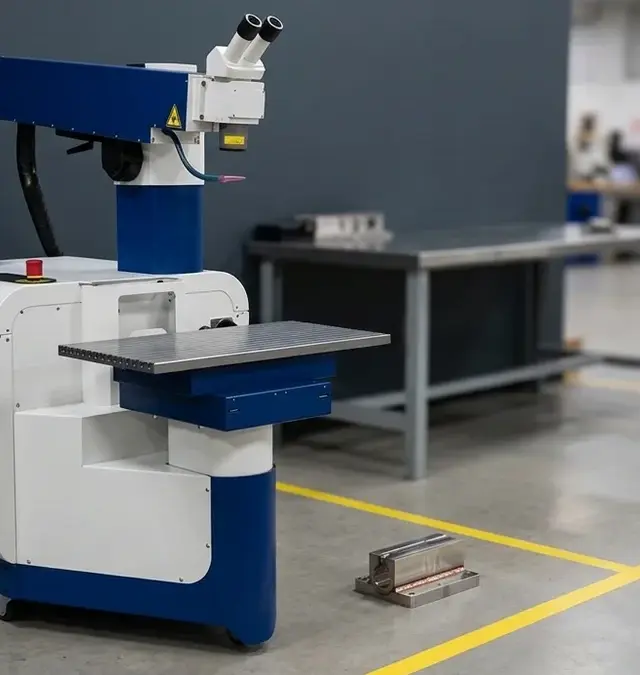
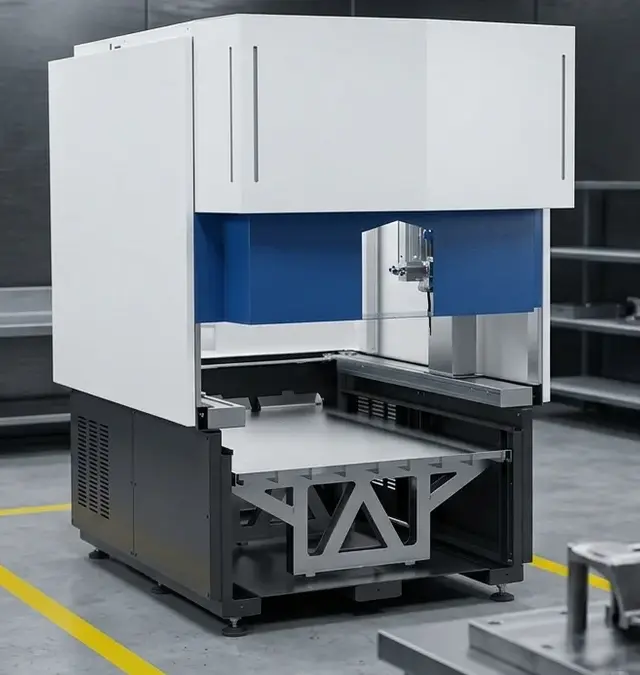
Integrating Simass with Sigomatic Pro creates a robust automated laser welding cell, pairing the mechanical flexibility of Simass motion modules with the advanced process control of PC-based Sigomatic Pro software. Simass provides the foundation: a modular base unit equipped with high-precision NC axes (X, Y, Z, and—depending on module—rotary and slide axes) and interchangeable handling modules such as Rotate, Slide, and Powder. These modules enable tailored part feeding, orientation, and manipulation, adapting the cell to a wide range of workpiece geometries and production requirements.
Sigomatic Pro complements this hardware by delivering a software environment purpose-built for complex, series-oriented welding tasks. It extends the standard Sigomatic platform with PC-based programmability, modular software add-ons for specialized workflows, and enhanced data management. This combination allows operators and engineers to move beyond manual teach-in, supporting repeatable, high-throughput production with minimal intervention.
In practice, Simass handles the physical movement and positioning of parts, while Sigomatic Pro orchestrates the welding process, axis coordination, and cycle logic. The result is a tightly integrated cell where mechanical and digital components work in concert, delivering both flexibility and precision for demanding sectors such as tooling, medical, and automotive manufacturing. Understanding the distinct roles of Simass and Sigomatic Pro is essential for successful integration and optimal cell performance.
| Step | Purpose |
|---|---|
| Register axes and modules | Ensure software model matches physical cell configuration |
| Reference teaching | Establish zero points and working coordinates for repeatability |
| Define geometry primitives | Create welding paths using lines, circles, splines, etc. |
| Cycle programming | Sequence movements, welds, and module actions for automated operation |
| Validation | Check programmed steps against cell layout and part requirements |
This workflow supports both experienced engineers and trained operators, enabling intuitive programming without advanced coding skills.
Defining the Cell in Software
Effective integration begins with accurately defining the Simass cell’s axes and modules within Sigomatic Pro. The software must recognize each NC axis—linear (X, Y, Z) and, where present, rotary or slide axes—so that all movements are mapped and controlled with precision. This process typically involves registering each axis and module, ensuring the software’s internal model matches the physical configuration of the cell. Operators should verify that all connected modules (e.g., Rotate, Slide) are properly identified by the system before proceeding to programming.
Once the hardware is mapped, operators perform reference teaching, establishing zero points and working coordinates for each axis. This step is critical for repeatability and collision avoidance. Using the teach-in capabilities of Sigomatic Pro, operators can define geometry primitives such as lines, circles, and splines, which serve as the basis for welding paths. The software supports intuitive programming without requiring advanced coding skills, making it accessible to both experienced engineers and trained operators.
Cycle programming follows, where the sequence of movements, welds, and part handling operations are defined. Operators can build cycles by combining geometry primitives, specifying process parameters, and sequencing module actions. Throughout this process, it is important to validate each programmed step against the physical cell layout and part requirements, ensuring that axis limits, clearances, and module capabilities are respected. By carefully defining the cell in software, the foundation is set for reliable, automated production cycles.
| Feedback Type | Operational Benefit |
|---|---|
| Axis positions | Verify programmed movements match actual machine behavior |
| Welding parameters (power, pulse duration, frequency) | Detect drift or hardware issues in real time |
| Process status indicators | Track each phase (loading, positioning, welding, unloading) and catch interruptions |
| Anomaly alerts | Enable immediate investigation and correction to maintain weld quality |
Active monitoring of live feedback reduces variability, accelerates troubleshooting, and supports continuous improvement.
Live Feedback During Cycles
Live feedback during automated welding cycles is a critical operational tool when integrating Simass modules with Sigomatic Pro. The software’s real-time display of axis positions, welding parameters, and process status gives operators immediate visibility into every stage of the cycle. This transparency is not just for reassurance—it enables direct, actionable oversight of both the mechanical and process aspects of the cell.
Operators should approach each production run by actively monitoring the live feedback panel, especially during initial cycles or after any program changes. Observing axis positions in real time helps verify that programmed movements correspond to actual machine behavior. If an axis deviates from its intended path, or if a module fails to reach its target position, the live display will highlight the discrepancy. This allows for immediate investigation and correction, minimizing the risk of part damage or weld defects.
Welding parameters such as power, pulse duration, and frequency are also shown live. Operators should watch for any drift from programmed values, which can indicate hardware issues, incorrect parameter transfer, or external disturbances. For example, if the displayed power output does not match the expected setpoint, this may signal a calibration issue or a fault in the power delivery system. Promptly catching such anomalies helps maintain weld quality and process stability.
Process status indicators track each phase of the cycle—part loading, positioning, welding, and unloading. Operators should use these cues to confirm that each step is executed in the correct sequence and that no steps are skipped or repeated unintentionally. Typical pitfalls include unnoticed interruptions (such as a triggered safety interlock or a module communication fault) that pause or abort the cycle. Recognizing these events through the live feedback interface enables rapid response, preventing extended downtime or incomplete welds.
Ultimately, leveraging live feedback is not passive observation—it is an active, iterative process. Operators should correlate feedback data with physical observations and weld outcomes, using this information to refine both programming and maintenance routines. This disciplined approach reduces variability, accelerates troubleshooting, and supports continuous improvement in automated laser welding operations.
From Manual Recipe to Automated Cycle
Transitioning from proven manual welding programs to fully automated cycles is a structured process that leverages existing expertise while introducing automation in manageable stages. Operators should begin by identifying manual recipes—welding paths, parameter sets, and handling routines—that have demonstrated consistent results in manual or semi-automated operation. These recipes serve as the foundation for automation, reducing the risk of process drift or quality issues during the transition.
Using Sigomatic Pro, operators can migrate manual teach-in programs by translating geometry primitives and process parameters into the automated cycle framework. This often involves mapping manual actions (such as axis jogs or weld triggers) to automated module commands and cycle steps. It is advisable to automate in stages: start with basic axis movements and welds, then incrementally introduce part feeding, rotation, or slide operations as confidence in the automated sequence grows.
Throughout this migration, operators should validate each stage against the original manual process, checking for consistency in weld quality, positioning, and cycle timing. Any discrepancies should be addressed by refining the program or adjusting cell parameters. By adopting a staged approach, teams can minimize disruption, build operator confidence, and ensure that automation enhances—rather than compromises—process outcomes.
Commissioning Discipline
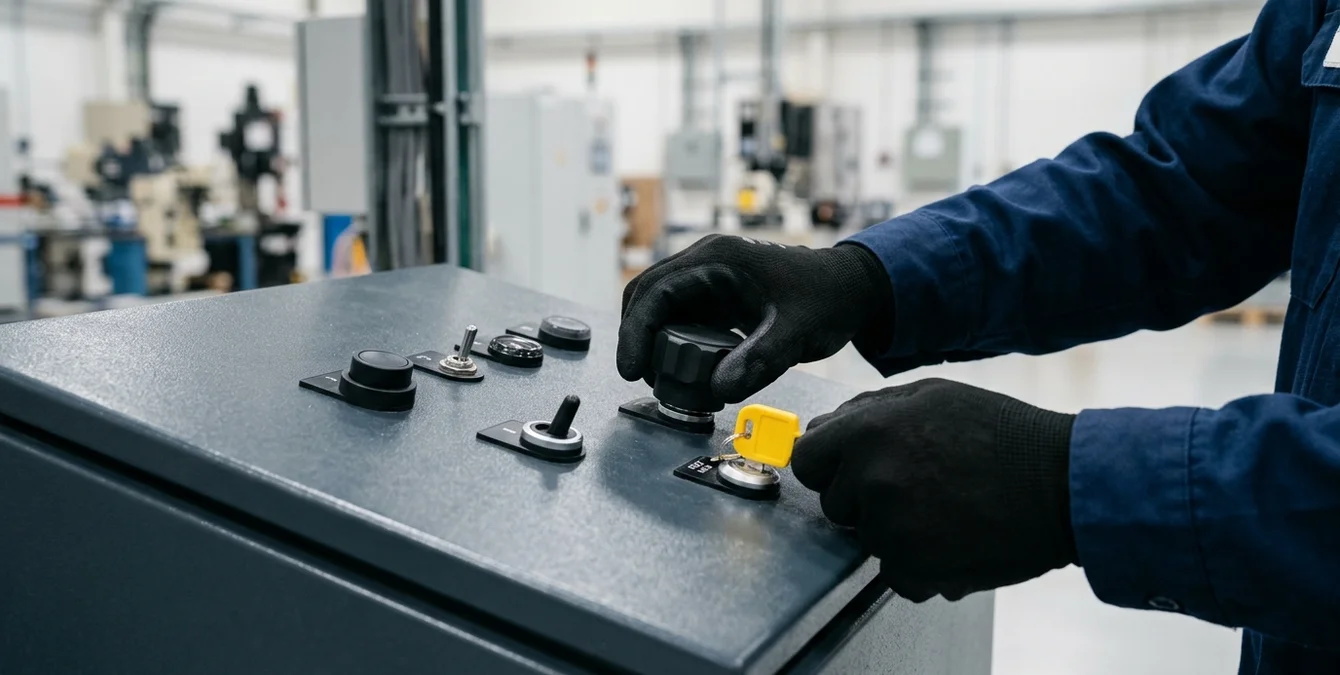
Commissioning an integrated Simass–Sigomatic Pro cell requires a disciplined, stepwise approach to ensure both process reliability and operator safety. The recommended sequence begins with a dry-run, executing the full programmed cycle without activating the laser. This step verifies axis movements, module coordination, and part handling routines, allowing operators to detect and correct any programming errors, axis limit violations, or potential collisions before live welding.
Once the dry-run is validated, operators should proceed to a single-cycle test with the laser enabled, closely monitoring all process parameters, axis positions, and safety interlocks. This initial live run provides a final check of weld quality, process timing, and system responsiveness. Any deviations from expected results should be addressed immediately, with adjustments made to the program or cell setup as needed.
After successful single-cycle validation, the cell can be transitioned to small-batch production, with operators continuing to monitor live feedback and process indicators. Throughout commissioning, strict adherence to safety protocols is mandatory: operators must follow the safety guidelines supplied with the system, ensure that all interlocks and emergency stops are functional, and maintain clear communication within the team. Sigma offers certified operator trainings to support safe and effective commissioning and operation. By maintaining this discipline, teams can achieve stable, high-quality automated production with minimal risk.
Frequently Asked Questions
What is the main benefit of integrating Simass with Sigomatic Pro?
Integrating Simass with Sigomatic Pro enables automated, high-precision welding cycles for complex series production. Operators benefit from modular hardware flexibility and advanced PC-based control, streamlining programming, monitoring, and process repeatability for demanding applications.
How are Simass modules recognized in Sigomatic Pro?
Simass modules are defined in Sigomatic Pro by registering each axis and module, ensuring the software accurately reflects the physical cell configuration. This mapping is essential for precise motion control and reliable automated operation.
Why is staged automation recommended when migrating manual programs?
Staged automation allows operators to validate each step of the automated process against proven manual results. This reduces risk, ensures weld quality, and builds operator confidence as additional automation features are introduced incrementally.
What safety measures should be followed during commissioning?
Operators must follow all safety guidelines supplied with the system, including use of appropriate protective equipment and verification of interlocks. Sigma offers certified operator trainings to ensure safe commissioning and operation of automated cells.
SYN · Sigma Laser appreciation event
You weld. We say thank you.
For everyone who brings great things together every day – on 17 December 2026 the prize wheel turns for you.
One photo at your laser welding machine, a quick verification – and you’re in. Registration is free and takes two minutes. On 17 December every verified participant gets one spin of the prize wheel.
- 1 spin of the prize wheel
- Gifts in 3 tiers
- Free, no purchase needed
Gifts ship free within DE · AT · CH · EU · verification usually within one business day