
- Why a fault does not have to mean waiting for a technician
- How the USB remote-diagnosis link works
- What photos and videos add to a remote session
- Which problems are typically resolved without a site visit
- What happens when a site visit is still required
- Preparing your shop so a remote session is quick
- Frequently Asked Questions
- How does remote diagnostics reduce machine downtime?
- What do I need to set up a remote diagnostic session?
- Which issues can be solved remotely versus on-site?
- How do photos and videos help with remote troubleshooting?
- Related Articles
Quick Answer: Remote diagnostics for laser welding machines allow many faults to be identified and resolved without waiting for an on-site technician. By connecting the machine to a PC via USB and sharing photos or videos, Sigma’s service team can analyse issues remotely, minimizing downtime and unnecessary service visits.
| Benefit | Description |
|---|---|
| Reduced Downtime | Faster fault identification and resolution minimize production interruptions. |
| Efficient Resource Use | Technicians only visit when necessary, saving time and costs. |
| Streamlined Planning | Clear diagnosis enables better scheduling and preparation for repairs. |
| Enhanced Communication | Photos and videos improve clarity and reduce misinterpretation. |
| Proactive Maintenance | Early intervention prevents escalation of faults. |
Remote diagnostics support lean maintenance teams and distributed operations by maximizing equipment availability.
Why a fault does not have to mean waiting for a technician
In modern production environments, the true cost of a machine fault is not just the repair itself, but the downtime that disrupts schedules, delivery commitments, and resource allocation. For maintenance managers and production engineers, every hour a laser welding machine is offline can have a cascading effect on output and customer satisfaction. Traditionally, diagnosing and resolving faults often meant waiting—sometimes days—for a service technician to arrive on site, inspect the equipment, and begin troubleshooting. This approach ties up valuable assets and personnel, and can lead to missed deadlines or emergency outsourcing.
Remote diagnostics fundamentally change this equation. Many faults, especially those related to control systems, parameter settings, or non-catastrophic hardware issues, can be identified and often resolved without an immediate on-site visit. By leveraging remote connectivity and structured support processes, Sigma enables rapid fault analysis, reducing the dependency on technician travel and accelerating the return to normal operation. This approach not only minimizes direct downtime but also streamlines internal planning, as the maintenance team can move from problem identification to solution implementation much more quickly.
For organizations with lean maintenance teams or geographically distributed operations, remote diagnostics provide an essential tool for maintaining high equipment availability. The ability to triage and resolve issues remotely ensures that only genuinely complex or physically demanding repairs require a technician on site, maximizing the efficiency of both the customer’s and Sigma’s technical resources.
| Step | Description |
|---|---|
| 1. Fault Occurs | Machine experiences an issue; customer prepares for diagnosis. |
| 2. USB Connection | Connect machine to PC via USB cable. |
| 3. Internet Access | PC with internet acts as a secure bridge to Sigma support. |
| 4. Session Initiation | Customer starts remote support session under supervision. |
| 5. Data Analysis | Sigma technicians access diagnostic data, error logs, and parameters in real time. |
| 6. Visual Supplement | Customer may send photos/videos for additional context. |
| 7. Resolution | Technician guides corrective actions or schedules on-site visit if needed. |
The process leverages existing IT infrastructure and does not require permanent remote access.
How the USB remote-diagnosis link works
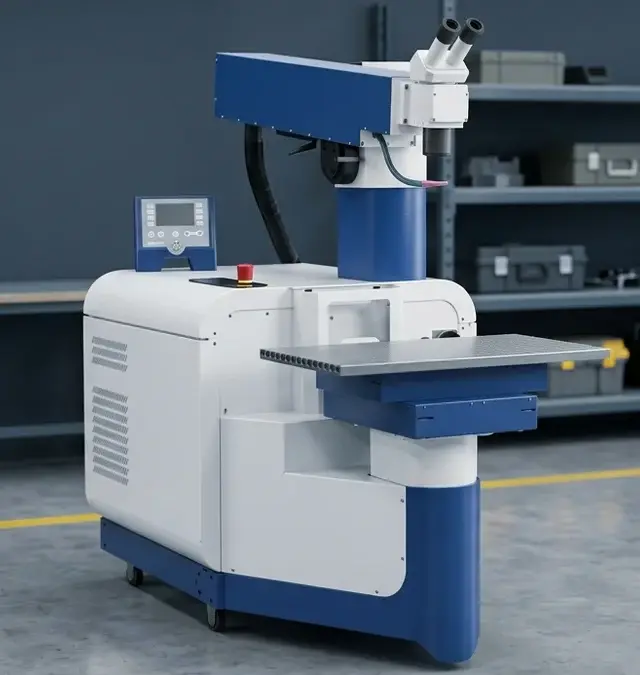
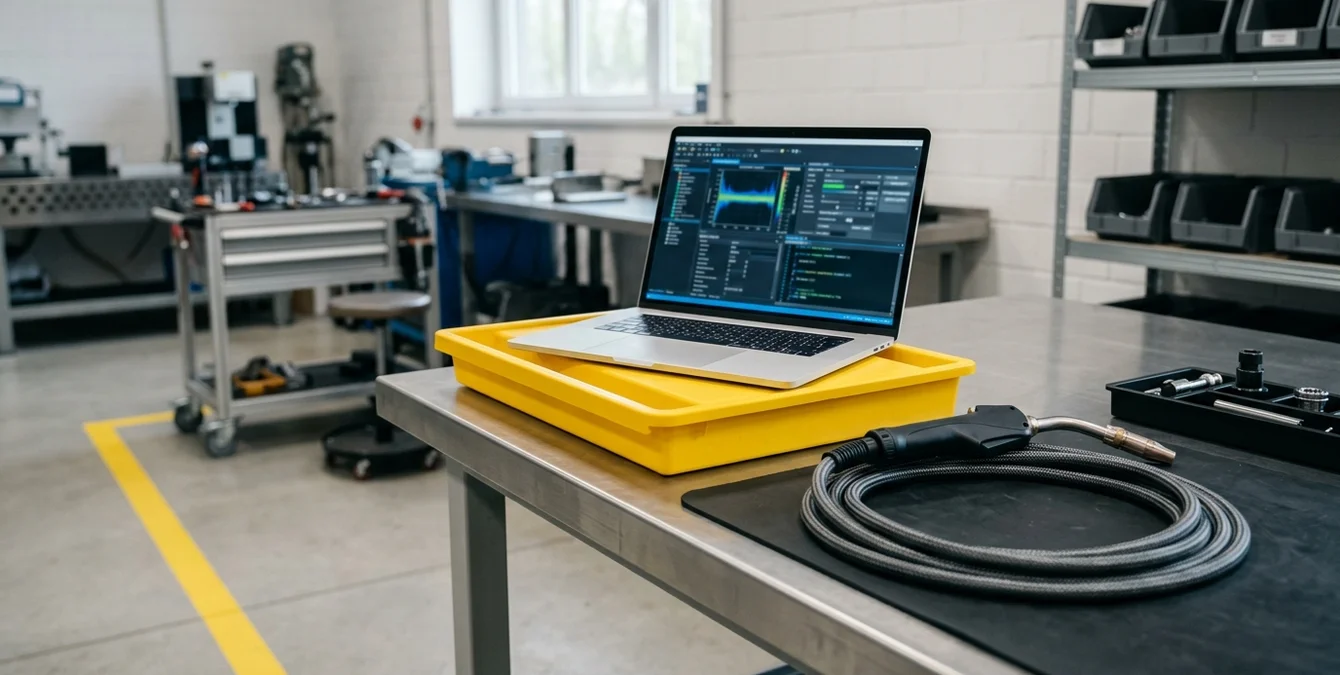
Sigma laser welding machines are equipped with an integrated USB interface specifically designed to facilitate remote diagnostics. When a fault occurs, the process begins by connecting the machine to a standard PC using the provided USB cable. This PC, which should have internet access, acts as a secure bridge between the machine and Sigma’s technical support team. The customer initiates a remote support session, during which Sigma technicians can access diagnostic data, error logs, and machine parameters in real time.
This architecture ensures that sensitive production environments remain protected, as the connection is established only when needed and under the customer’s supervision. The remote session allows Sigma’s experts to analyse the system’s operational state, review historical fault data, and, in many cases, guide the customer through corrective measures or parameter adjustments. This targeted approach drastically reduces the time spent on initial fault finding and avoids the delays associated with scheduling and travel.
For maintenance managers, the USB remote-diagnosis link is a practical, low-overhead solution that requires minimal setup. It leverages existing IT infrastructure and does not demand specialized networking equipment or permanent remote access, making it suitable for both highly regulated and standard industrial environments. The result is a faster, more efficient path from problem detection to resolution.
What photos and videos add to a remote session
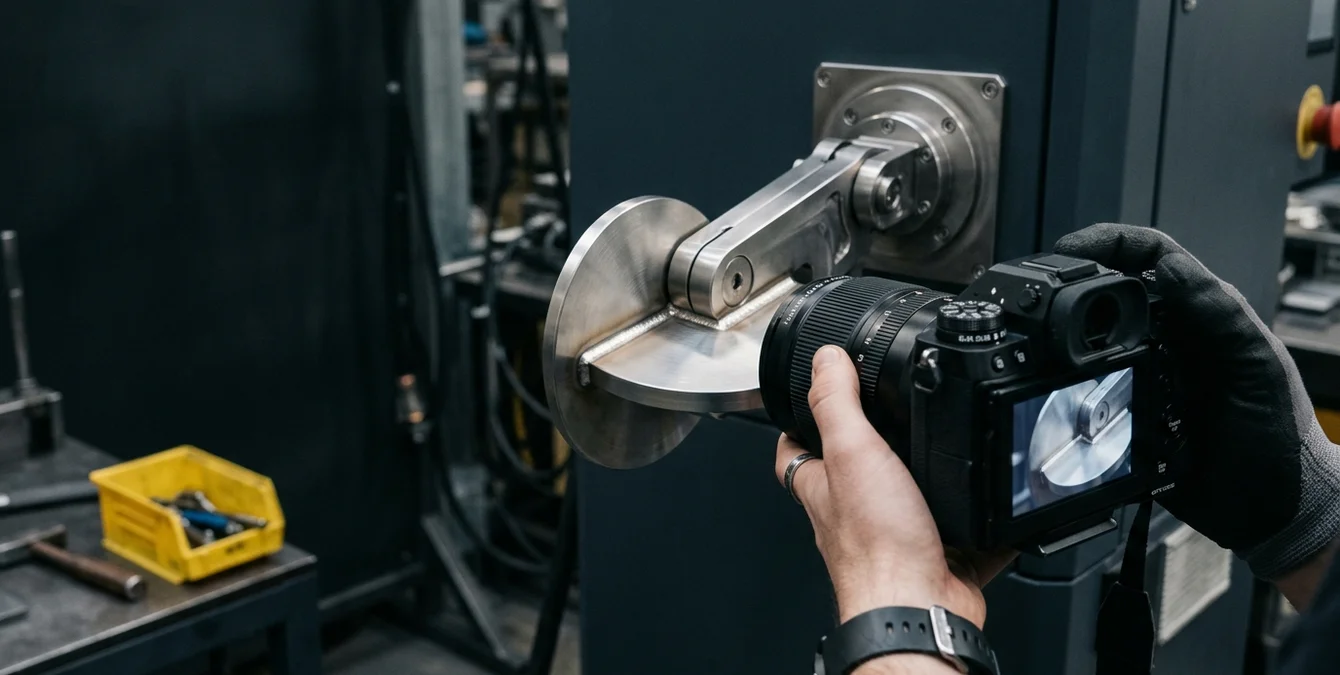
While remote access to machine diagnostics is powerful, certain faults—especially those involving mechanical wear, visible damage, or unusual behaviour—require additional context. In these cases, photos and videos provided by the customer become an essential supplement to the digital data available through the remote session. High-quality images or short video clips can reveal issues such as misaligned components, unexpected movement, or visible error messages that may not be captured in the machine’s internal logs.
Sigma’s support process actively encourages customers to document the fault condition before initiating a remote session. This visual information enables technicians to quickly assess whether the issue is electrical, mechanical, or procedural, and to distinguish between symptoms that can be addressed remotely and those that require physical intervention. For example, a video showing the welding head’s movement or a photo of a damaged connector can often lead to an immediate diagnosis and targeted instructions for corrective action.
For service technicians and production engineers, integrating visual documentation into the support workflow streamlines communication and reduces the risk of misinterpretation. It allows Sigma’s experts to make informed decisions without the need for repeated clarification, ensuring that troubleshooting steps are relevant and effective from the outset.
| Issue Type | Resolved Remotely | Requires On-Site Visit |
|---|---|---|
| Software/Parameter Errors | ✔️ | |
| Sensor Misreadings | ✔️ | |
| Minor Electrical Issues | ✔️ | |
| Mechanical Adjustments (customer-guided) | ✔️ | |
| Major Hardware Failures | ✔️ | |
| Complex Mechanical Repairs | ✔️ | |
| Safety-Critical Issues | ✔️ |
Remote diagnostics, combined with customer-supplied photos or videos, enable many common faults to be resolved without a technician on site. Major hardware or safety issues still require a visit.
Which problems are typically resolved without a site visit
The combination of remote diagnostics and customer-supplied photos or videos enables a wide range of issues to be resolved without an on-site technician. Typical examples include software or parameter errors, sensor misreadings, minor electrical issues, and certain mechanical adjustments that can be performed by the customer under guidance. In many cases, the root cause is quickly identified through error logs, system status reports, and visual evidence, allowing Sigma’s support team to recommend specific actions—such as resetting parameters, updating firmware, or replacing a known-wear component.
This approach is particularly effective for recurring or well-understood faults, where the symptoms and solutions are familiar to experienced support staff. It also allows for rapid triage: if a problem is not fully resolvable remotely, the initial diagnosis ensures that any required site visit is focused and efficient, with the correct parts and tools prepared in advance.
For maintenance managers, this means that many interruptions can be addressed within hours rather than days, significantly reducing unnecessary service visits and minimizing production downtime. The process supports a proactive maintenance strategy, where faults are addressed early and escalated only when truly necessary.
What happens when a site visit is still required
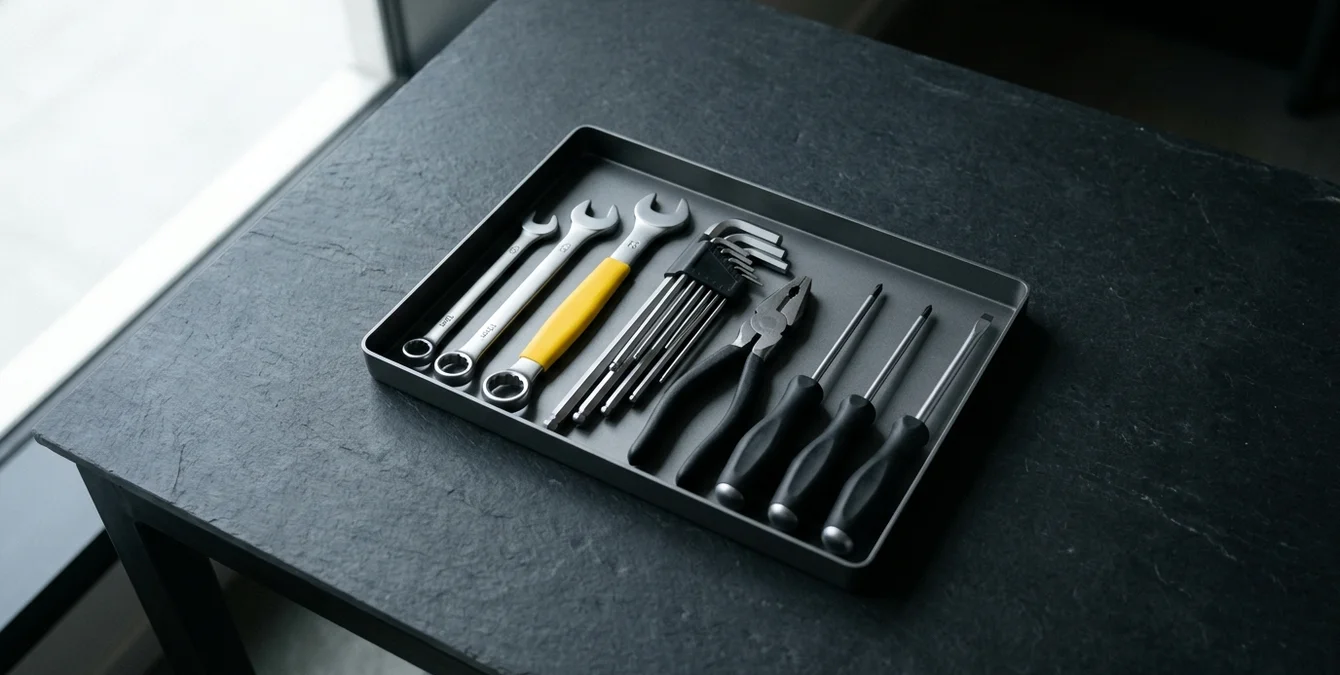
Despite the effectiveness of remote diagnostics, certain faults—such as major hardware failures, complex mechanical repairs, or safety-critical issues—will still require an on-site technician. In these cases, the value of the remote session is in its ability to provide a clear, actionable diagnosis before the visit is scheduled. By identifying the affected component or subsystem in advance, Sigma’s service team can ensure that the technician arrives with the correct replacement parts and the necessary tools, eliminating the need for multiple trips or extended on-site troubleshooting.
This pre-visit diagnosis streamlines the repair process and allows maintenance managers to plan production schedules with greater certainty. Instead of waiting for a technician to conduct an initial assessment, the customer receives a clear timeline and scope of work, minimizing further disruption. The remote session also provides documentation that can be referenced during the repair, ensuring continuity and clarity between remote and on-site support teams.
For production engineers, this approach means that even when a physical intervention is unavoidable, the total downtime is kept to a minimum. The transition from remote analysis to on-site action is seamless, with no lost time due to redundant troubleshooting or incomplete information.
Preparing your shop so a remote session is quick
To maximize the benefits of remote diagnostics, preparation is essential. The most effective support sessions occur when the customer has a PC with internet access located near the laser welding machine, ensuring that the USB connection can be established quickly and without the need to move equipment or run long cables. It is also important to have a reliable contact route to Sigma’s service team, so that support requests can be initiated without delay.
Documenting the error condition before contacting support—by taking clear photos or videos and noting any relevant error codes or symptoms—greatly accelerates the diagnostic process. Maintenance managers should ensure that operators and technicians are familiar with this procedure and have access to the necessary tools (such as a smartphone or digital camera) to capture the required information.
Finally, maintaining up-to-date records of machine configuration, recent maintenance activities, and any previous support interactions can help Sigma’s technicians quickly contextualize the fault and provide targeted guidance. By establishing these best practices, production teams can ensure that remote support sessions are efficient, effective, and minimize disruption to daily operations.
Frequently Asked Questions
How does remote diagnostics reduce machine downtime?
Remote diagnostics enable Sigma technicians to identify and often resolve faults without waiting for an on-site visit. This accelerates troubleshooting, allowing production to resume more quickly and reducing costly downtime.
What do I need to set up a remote diagnostic session?
You need a PC with internet access located near the laser welding machine, a USB cable for connection, and a reliable contact route to Sigma’s service team. Documenting the fault with photos or videos is also recommended.
Which issues can be solved remotely versus on-site?
Software errors, parameter issues, minor electrical faults, and some mechanical adjustments can often be resolved remotely. Major hardware failures or complex repairs will still require a technician on site.
How do photos and videos help with remote troubleshooting?
Photos and videos provide visual context for faults, such as visible damage or error messages. They help Sigma’s technicians diagnose issues more accurately and recommend effective corrective actions.